01
Find the part they’ll replay.
AI picks complete moments, scores their potential and checks the ending. You choose what makes the cut.
Cutawan is a free, open-source AI video clipper for turning long videos into Shorts and Reels.
Your editing apprentice. AI finds the moments. You make them yours.
Windows, macOS & Linux · No Cutawan subscription · ChatGPT, API or local captions
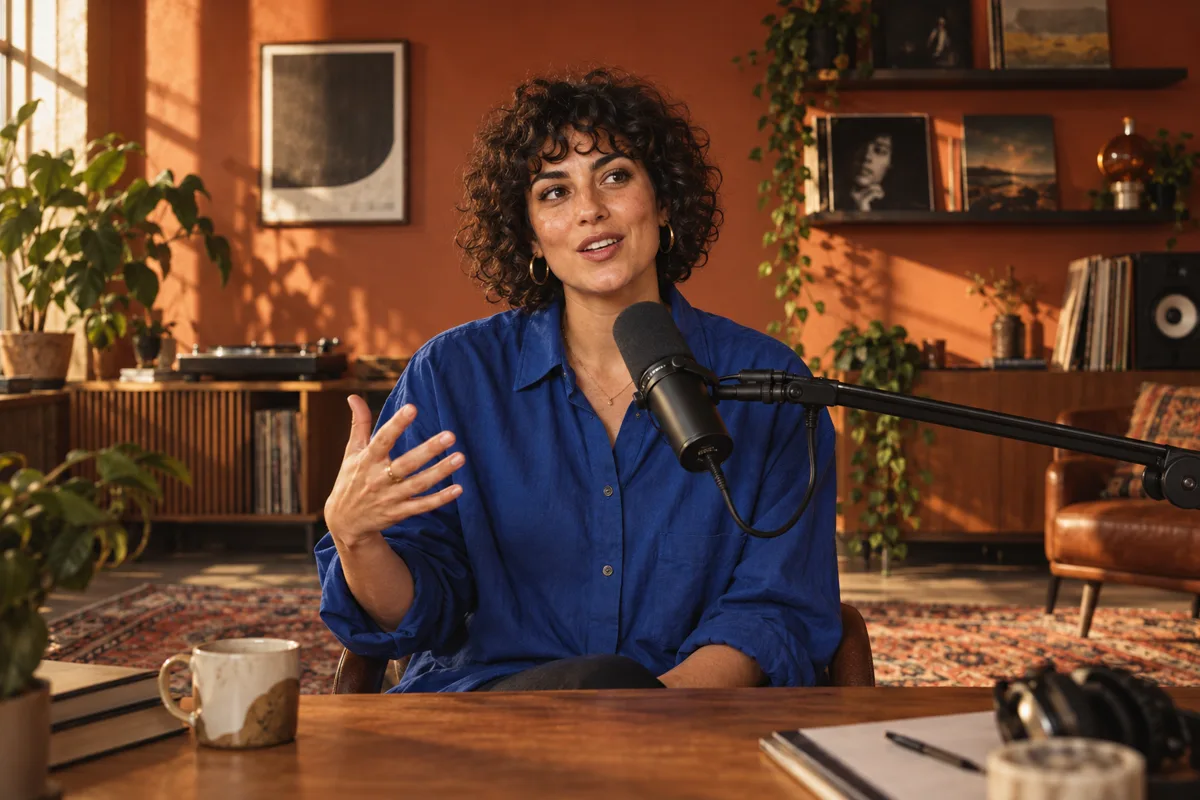 THE CREATIVE PROCESS EP. 02401 / THE HOOK
That idea?
Hit record.
02 / THE STORYMake something
only you can.
03 / THE TAKEAWAYStart before
you’re ready.
AI finds self-contained moments with a hook, a story and a payoff.
01 / LESS BUSYWORK. MORE GOOD STUFF.
You already did the hard part: making something worth watching. Get more out of it without starting from scratch.
AI picks complete moments, scores their potential and checks the ending. You choose what makes the cut.
Word-by-word highlighting, 12 built-in styles and your own fonts. Burned into every export, exactly how you like them.
Speaker-aware reframing follows the conversation. Add automatic zooms and tighten pauses to keep things moving.
02 / AI ASSISTS. YOU DIRECT.
Trim the moment. Dial in the captions. Reframe the shot. A real desktop editor for the details that make it yours.
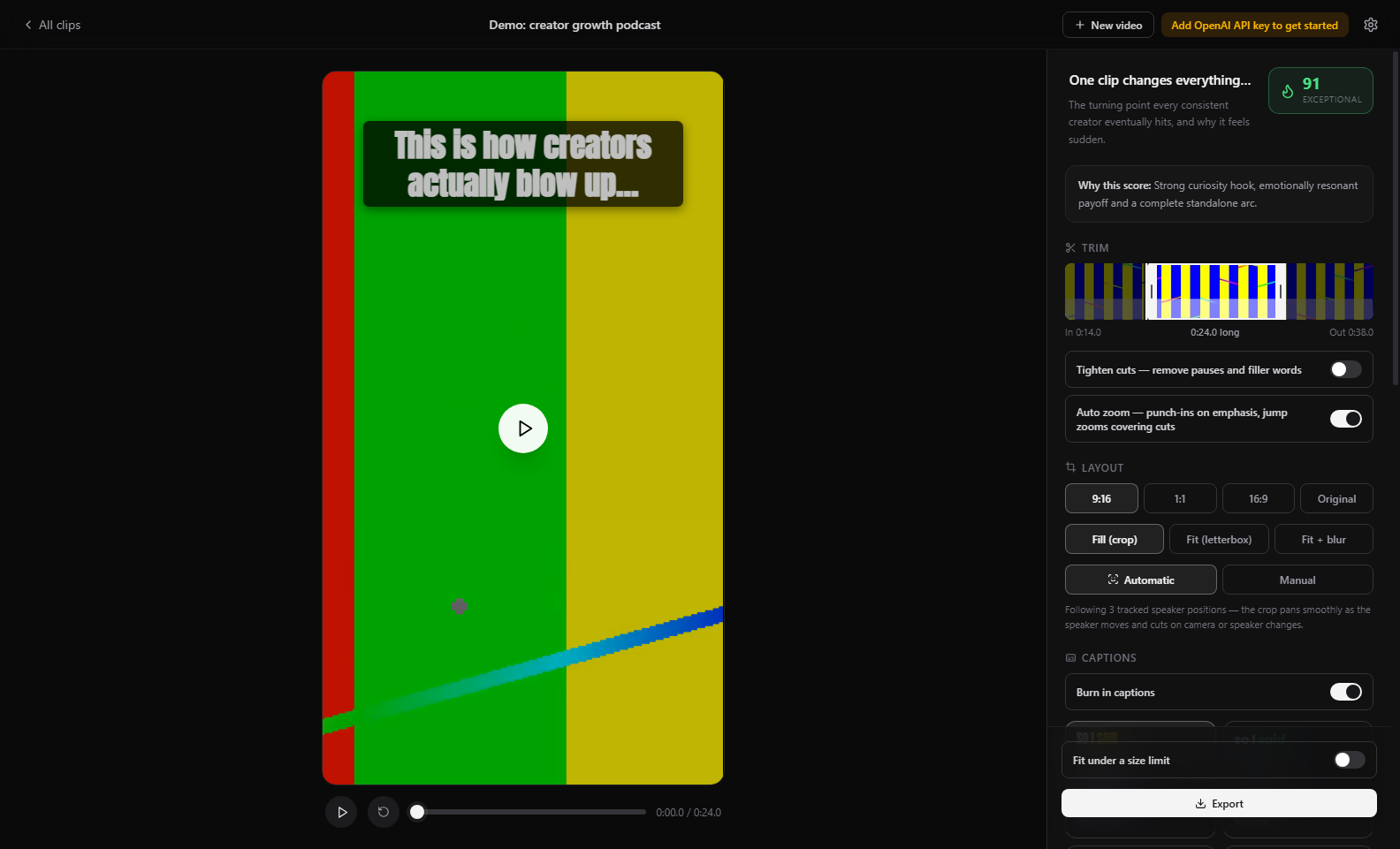
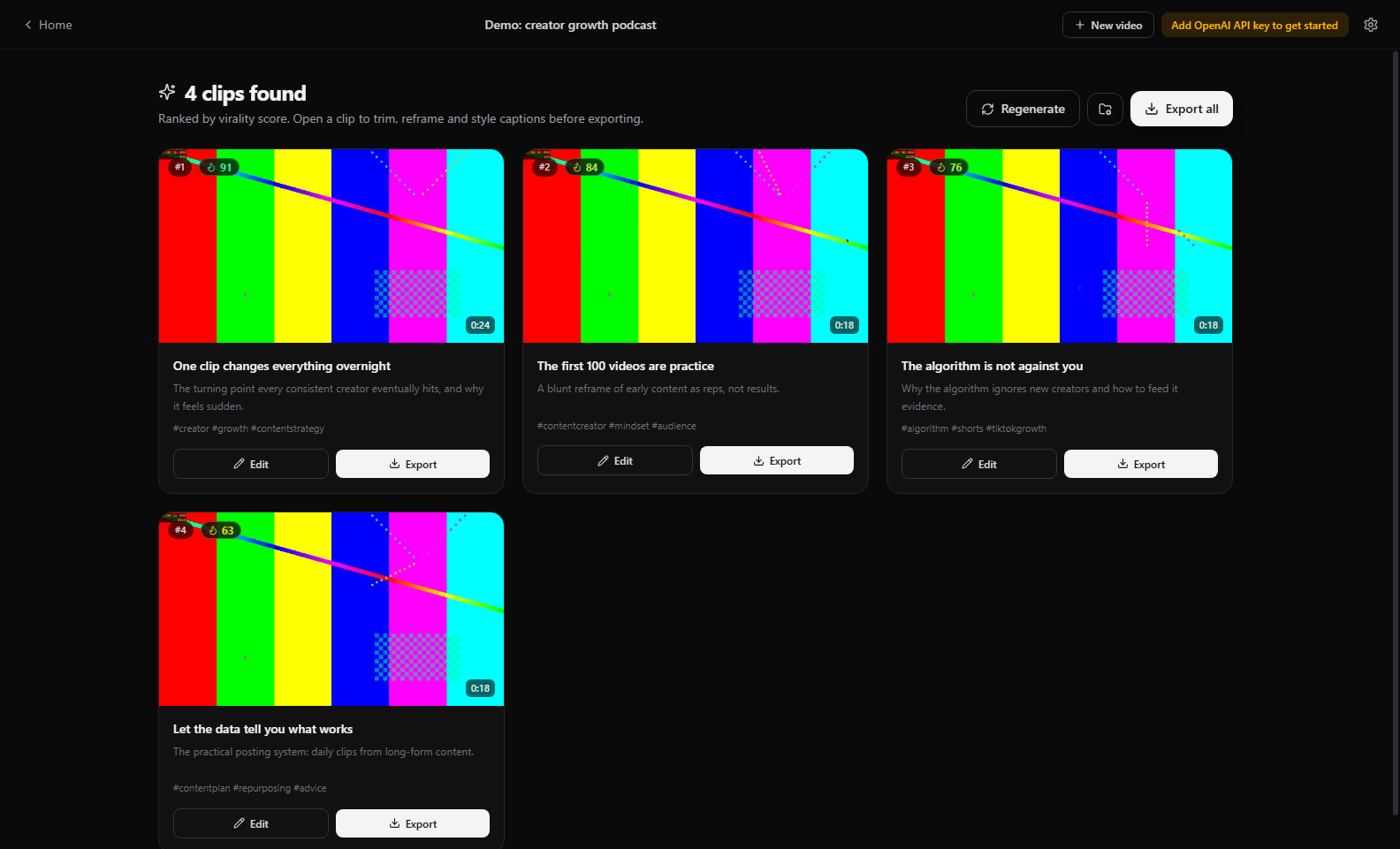
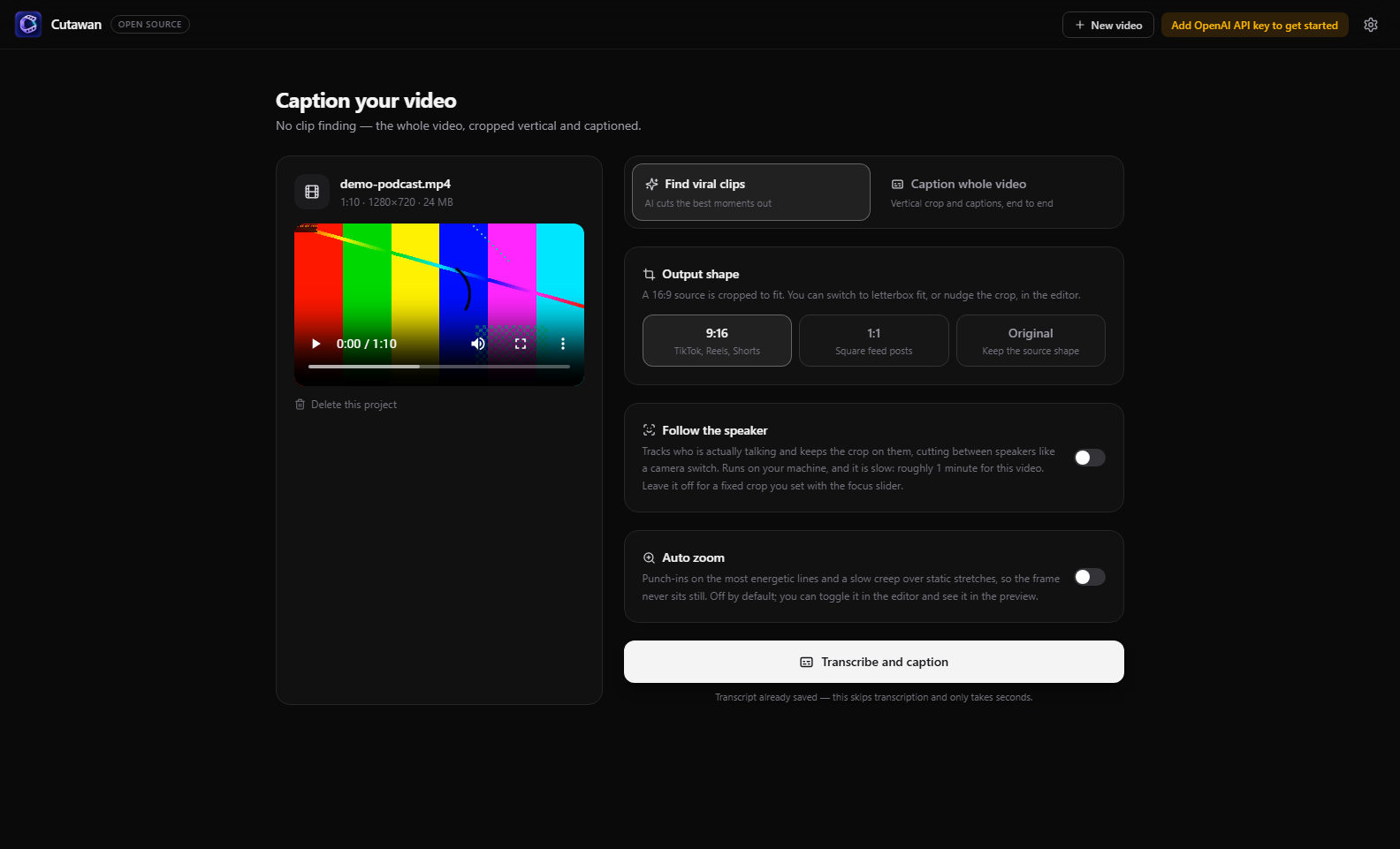
Actual app screenshots. The demo project uses generated test footage.
GET STARTED YOUR WAY
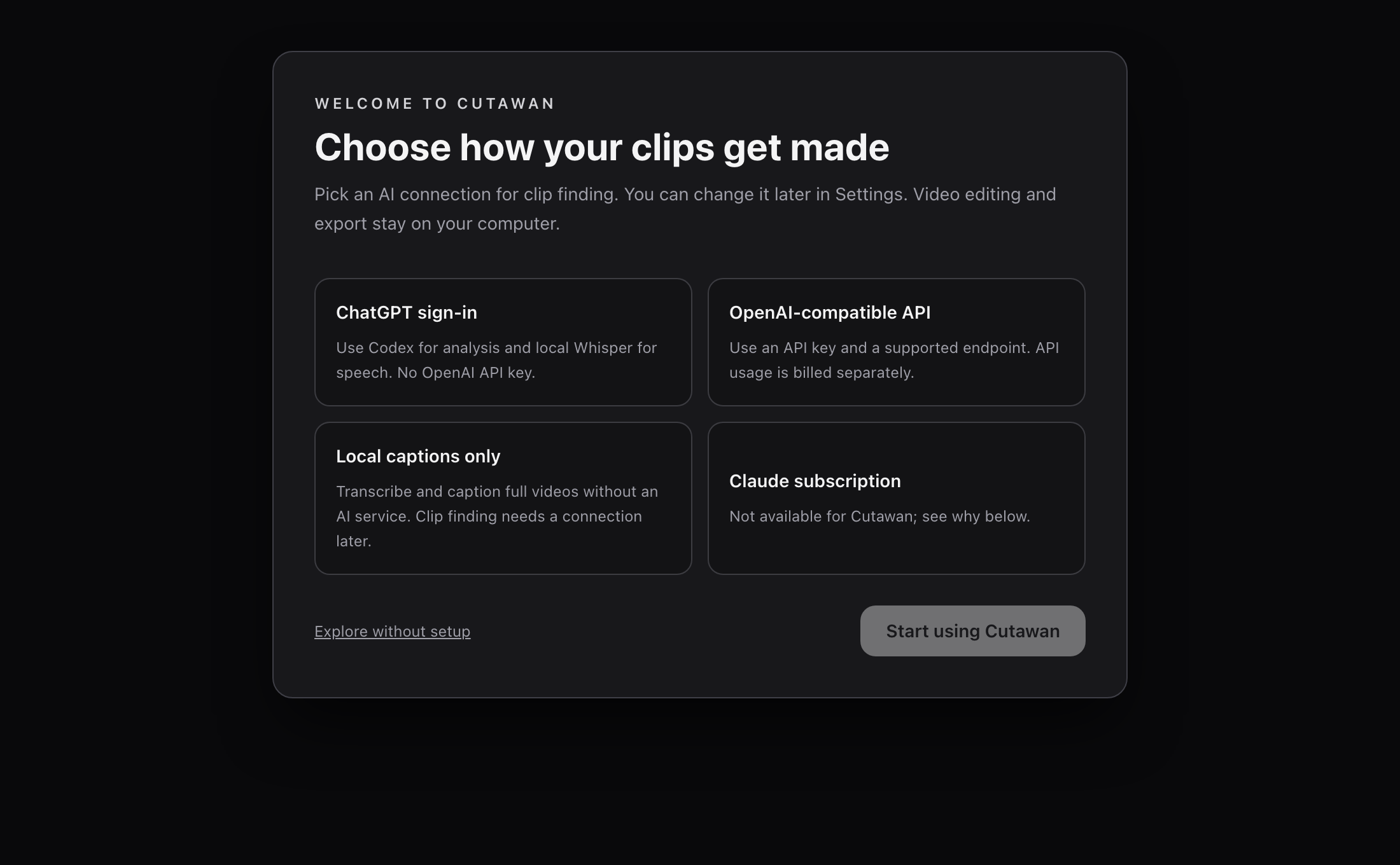
The first-run wizard lets you pick a connection and change it later. Editing and export stay on your computer.
Use a signed-in Codex CLI for analysis and local Whisper for speech. No OpenAI API key or automatic paid-API fallback. Your ChatGPT plan’s Codex limits apply.
Use your own API key and supported endpoint. Provider usage is billed separately. You can choose local Whisper for speech.
One OpenRouter key for any chat model it lists, including Claude, Gemini and GPT, picked from a searchable list. OpenRouter bills usage; speech can run locally.
Transcribe and caption an entire video with local Whisper and no AI service. Automatic clip finding and scoring need a connection later.
Local Whisper routes need Python 3.10+ and a speech model; the wizard helps install faster-whisper and a model. Read the setup guide ↗
03 / FROM LONG VIDEO TO NEXT POST

Your editing apprentice.
Meet your new workflow ↗Import a local video or paste a supported video URL. Podcasts, interviews, webinars, that stream you nearly forgot about.
MP4 · MOV · MKV · WEBM + MOREUse ChatGPT/Codex or an API for suggested highlights. Or caption the whole video with local Whisper, without AI clip discovery.
CHATGPT · API · LOCAL CAPTIONSAdjust the trim, captions and framing. Export a finished MP4, ready for you to upload wherever your people are.
NO FORCED WATERMARK. EVER.MORE FROM EVERY RECORDING
Practical workflows and honest comparisons to help you choose the right way to make short videos.
Find self-contained moments, frame each speaker and export clips for Shorts, Reels and TikTok.
Read the podcast guide ↗ CAPTIONSCaption a whole recording or a selected clip with word-level highlighting, custom fonts and local MP4 export.
Read the caption guide ↗ COMPAREFree plans, watermarks, prices and where they run for 14 tools, including OpusClip, Vizard, Klap and Submagic.
Compare the tools ↗ ALTERNATIVEHow Cutawan and OpusClip differ on cost, watermarks, editing, privacy and publishing.
Cutawan vs OpusClip ↗ PRICINGWhat OpusClip’s free plan includes, what it leaves out and when you would need to pay.
Read the breakdown ↗ OPEN SOURCECutawan, SupoClip, ViralMint and others compared on licence, platform and setup.
Compare open-source tools ↗04 / OPEN SOURCE. OPEN POSSIBILITIES.
Creative tools should give you more freedom. Cutawan is free, MIT-licensed and built in the open. Use it. Inspect it. Make it better.
Explore the source ↗Help shape what’s next ↗Video editing, face tracking, rendering and export run on your machine. Your original video is not uploaded to a hosted editor.
The API route can send audio for transcription, and sends transcript text and sampled frames for analysis. ChatGPT/Codex keeps speech local but sends analysis data. Local captions need no AI service.
No app-imposed processing-minute quota. No paid watermark removal. No subscription just to keep using your tools.
Yes. The app, editing and export are free and open source under the MIT licence. An OpenAI-compatible API or OpenRouter key is billed separately by its provider. ChatGPT sign-in uses your plan’s Codex allowance, not API credits, and local whole-video captions do not need an AI service. Compare the setup routes.
Yes, if you want AI-assisted clip discovery, captions and reframing in a desktop app you control. Cutawan is designed around local editing and export, with ChatGPT/Codex or an API for clip finding and a local-only whole-video caption route. See whether Cutawan fits your workflow.
Your full source video stays on your machine. Editing, speaker tracking, rendering and export are local. On the API route, audio may go to transcription; transcript text and sampled frames are sent for analysis. ChatGPT/Codex uses local speech but sends transcript text and sampled frames for analysis. Local-only captions do not use an AI service.
Absolutely. Choose “Caption the whole video” when setting up a project. You can add captions, choose the output shape, enable speaker tracking and auto zoom, then trim and export the result without running highlight discovery. See the caption workflow.
Cutawan has desktop builds for Windows, macOS and Linux. Choose the matching installer on GitHub Releases. macOS builds are currently unsigned; see the installation notes before your first launch. Performance depends on your hardware and source footage.
Yes. The MIT licence allows commercial use of the software. You are responsible for the rights to your source footage, music, fonts and any added images. Cutawan does not add a mandatory watermark.
Cutawan exports ready-to-upload video files and can help write post captions. You upload the files yourself. Automatic social publishing is not currently included.
YOUR NEXT POST STARTS HERE.
Your footage has more to give. Let’s find it.
Get Cutawan for WindowsChoose the .exe installer on GitHub Releases.
Free & open source · ChatGPT/Codex, API or local captions · API usage billed separately
See setup requirements ↗Prefer to build from source? ↗